Xbox Cloud Gaming
Xbox Cloud Gaming is an online platform that runs Xbox titles on remote servers, allowing players to access games instantly and keep progress synced across devices.
screenshot
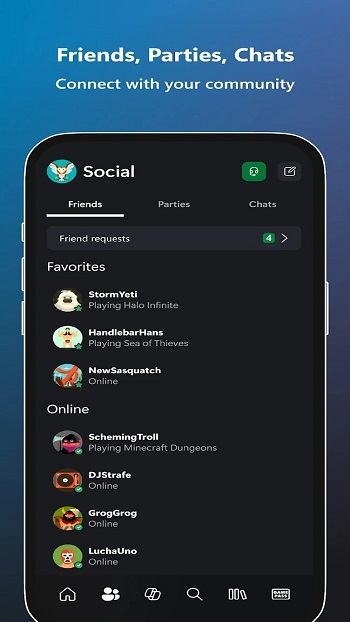
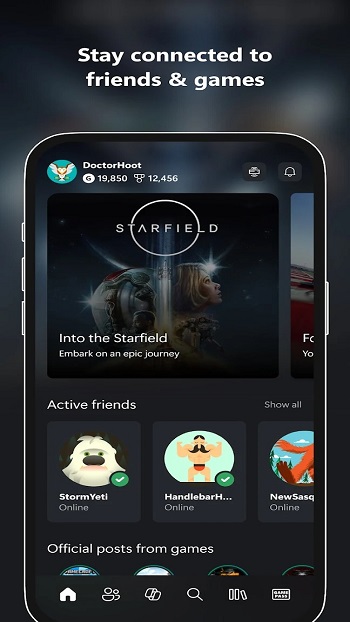
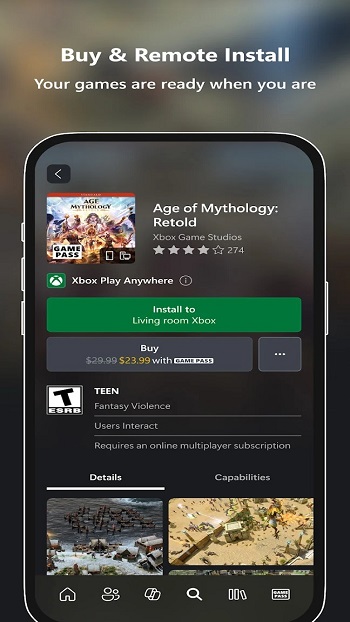
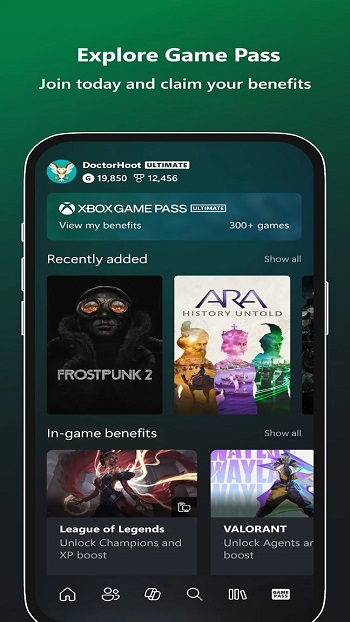
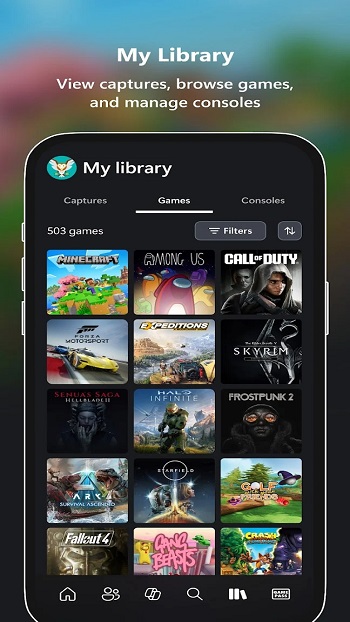
Information of Xbox Cloud Gaming


Information About Xbox Cloud Gaming APK
Xbox Cloud Gaming is a cloud-based service that allows users to play Xbox titles on a variety of devices without needing a console or high-end hardware. It is designed for players who want flexibility, letting them access games from phones, tablets, PCs, or browsers while keeping progress synced across all platforms. This service is ideal for casual players, travelers, students, or anyone with limited device capabilities who still wants access to console-level games.
The system works by running games on Microsoft’s remote servers and streaming the visuals and audio to the user’s device. Input commands, like button presses or taps, are sent back to the server in real time, creating a responsive gameplay experience. Since the heavy processing happens on the cloud, devices only need a stable internet connection rather than advanced hardware to handle demanding games.
Users can access a large catalog of games through Game Pass integration, which rotates titles regularly to offer both blockbuster releases and indie favorites. Cloud saves ensure that progress follows the user, so campaigns can continue seamlessly from one device to another. This flexibility allows players to pick up games on a commute or switch devices throughout the day without losing their progress.
The service supports multiple control options, including Bluetooth controllers like Xbox or PlayStation pads, as well as on-screen touch controls for devices without external controllers. Switching between games is nearly instant because everything runs on the cloud, eliminating the need for long downloads or storage-heavy installations. This makes it easy for users with limited device space to try multiple games without juggling installs.
Network quality plays a key role in performance, with fast Wi-Fi or reliable data connections providing the smoothest experience. While latency can occur with fluctuating signals, simple adjustments like connecting to 5 GHz Wi-Fi, keeping the device cool, or closing background apps often improve responsiveness. This ensures that gameplay remains consistent even on mid-range devices.
Xbox Cloud Gaming also accommodates short gaming sessions for users with busy schedules. Whether it’s a student grabbing a few minutes during breaks or someone waiting in transit, games load instantly, allowing meaningful progress without long setup times. The service emphasizes convenience, accessibility, and cross-device continuity, making console-level gaming practical for everyday life.
Players interested in this service can download the official Xbox Cloud Gaming application from APKJaka, where the platform offers a safe and streamlined installation, letting users start gaming across devices quickly.
Frequently Asked Questions Xbox Cloud Gaming
-
What is Xbox Cloud Gaming?
Xbox Cloud Gaming is a cloud service that streams Xbox games to devices like phones, tablets, and PCs, allowing users to play without a console or heavy downloads. -
What is Xbox Cloud Gaming APK?
Xbox Cloud Gaming APK is the installation file used to run the cloud gaming app on supported Android devices, letting users access Xbox games on the go. -
Do I need a powerful device to use Xbox Cloud Gaming?
No, the service runs games on remote servers, so your device only needs a stable internet connection to play smoothly. -
Can I use controllers with Xbox Cloud Gaming?
Yes, the service supports Xbox controllers, PlayStation pads, third-party Bluetooth controllers, and on-screen touch controls. -
Is Xbox Cloud Gaming suitable for short play sessions?
Absolutely, games load instantly, making it easy to play in short bursts while traveling, on breaks, or during downtime.