AR Drawing
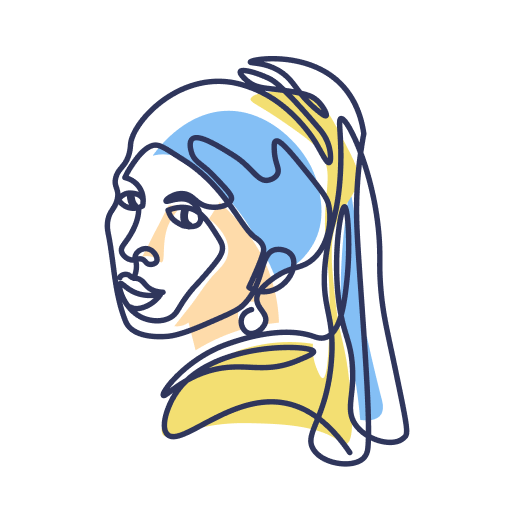
AR Drawing is a creative utility app that projects images through your camera so you can trace, sketch, and color on real paper, helping beginners practice drawing faster with guided visual support.
screenshot
Information of AR Drawing


Information About AR Drawing APK
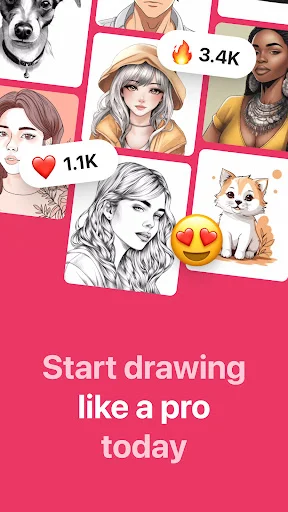
AR Drawing is a creative drawing application built for people who want to learn sketching or improve hand control using visual guidance. It fits beginners, hobby artists, students, and anyone who prefers learning by tracing instead of guessing proportions from scratch.
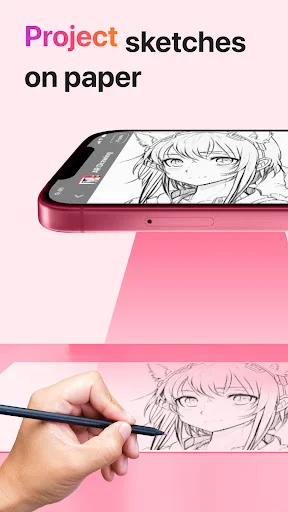
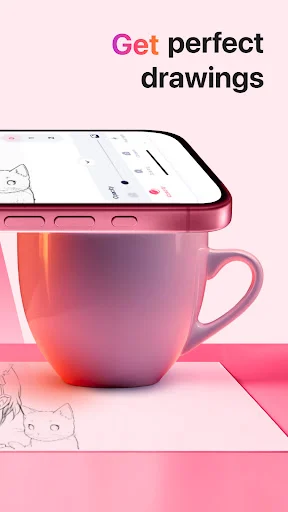
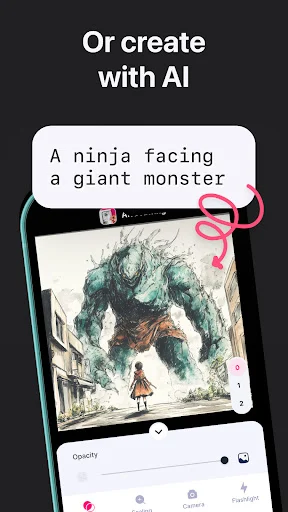
The app works by using a phone camera to project a reference image onto real paper or flat surfaces. Users place the phone above the surface, adjust the transparency, and follow the projected lines with a pencil or pen. This setup helps reduce mistakes while building muscle memory.
AR Drawing focuses on real-world drawing rather than digital-only sketches. Instead of drawing on a screen, users interact with physical tools, which makes it useful for practicing traditional art skills at home or in class.
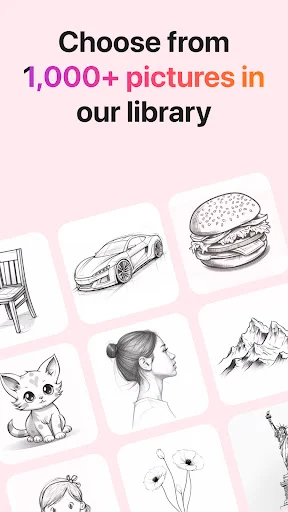
Several drawing modes are available, including image tracing, free sketching, and coloring support. A built-in flashlight improves visibility in low-light spaces, while camera alignment tools help keep outlines stable during tracing.
The app also allows users to save finished drawings, capture progress videos, and share results with friends or social platforms. These features make it easy to track improvement and revisit older work.
Overall, AR Drawing is designed to simplify the learning curve of drawing by providing steady visual support without replacing creativity, and users can download the official application at APKJaka to start practicing with guided tracing right away.
Frequently Asked Questions AR Drawing
-
What is AR Drawing?
AR Drawing is a drawing app that uses augmented reality to project images onto paper, helping users trace outlines and practice sketching with better accuracy. -
How does AR Drawing work?
It uses your phone camera to display a reference image over a real surface, allowing you to follow the lines while drawing with physical tools. -
Is AR Drawing good for beginners?
Yes. The guided tracing style helps beginners understand proportions and line flow without needing prior drawing experience. -
What is AR Drawing APK?
AR Drawing APK is the installation file used to set up the app on Android devices when downloading outside the Play Store. -
Can drawings be saved or shared?
Yes. The app lets users save images, record drawing sessions, and share finished artwork easily.