GarageBand
GarageBand is a free digital audio workstation that lets users record, mix, and edit music using virtual instruments, loops, and effects, making song creation simple for beginners and flexible for musicians.
screenshot
Information of GarageBand

Information About GarageBand APK
GarageBand is a digital audio workstation designed for people who want to create music without dealing with complicated studio software. It suits beginners learning the basics, content creators recording audio, and musicians sketching ideas or finishing full tracks. The app focuses on making music creation approachable while still offering depth for users who want more control.
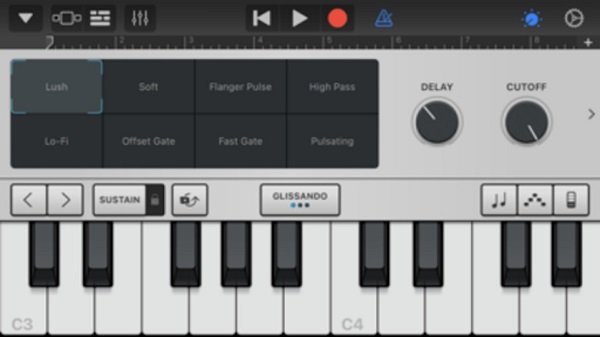
At a basic level, GarageBand works by letting users build songs using tracks. Each track can hold vocals, instruments, or loops. You can record sounds through a microphone, connect instruments, or use built-in virtual options like keyboards, drums, and guitars. Everything is laid out visually, so arranging music feels natural even for first-time users.
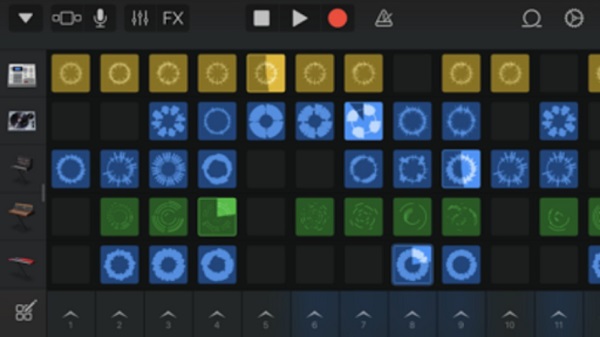
GarageBand includes multiple ways to create music depending on your style. Live loops help assemble songs by triggering sections in real time, while traditional multitrack mode supports linear recording and editing. Smart instruments assist users who don’t know music theory by suggesting chords, beats, and rhythms that fit together smoothly.
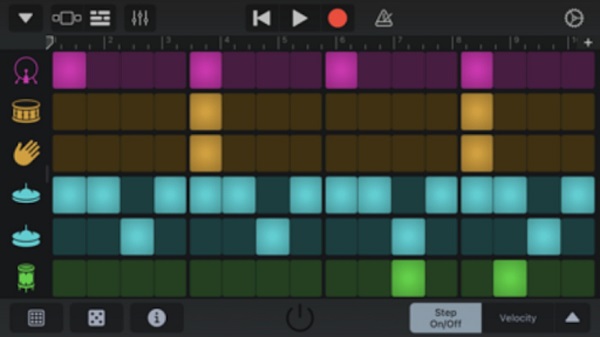
Editing tools keep the workflow simple but flexible. Tracks can be trimmed, moved, stretched, and layered with touch controls. Built-in effects such as reverb, delay, and EQ allow users to shape sound quality without external plugins. A step sequencer also supports beat patterns, making rhythm creation fast and intuitive.
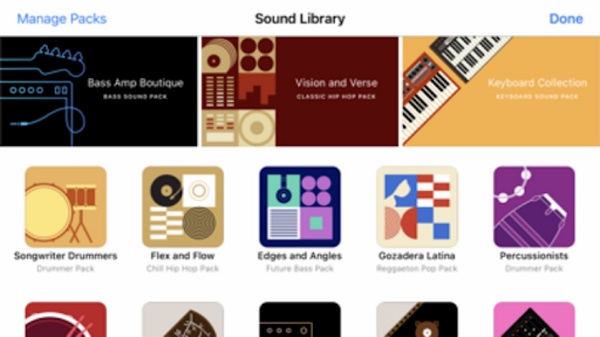
GarageBand supports a wide range of music styles, from hip-hop and EDM to rock, pop, and acoustic sessions. Sound libraries include presets, loops, and instrument packs that help users start quickly or experiment with new ideas. Sharing and exporting options make it easy to save projects or send finished tracks elsewhere.
If you want a simple way to record, mix, and arrange music on one platform, you can download the official GarageBand application through APKJaka to get started with its full creative toolkit today.
Frequently Asked Questions GarageBand
-
What is GarageBand?
GarageBand is a music creation app that lets users record vocals, play virtual instruments, arrange tracks, and mix songs using an easy, visual interface. -
Who should use GarageBand?
GarageBand works well for beginners, students, content creators, and musicians who want a simple setup for songwriting, demos, or audio recording. -
How does GarageBand work?
Users add tracks, record sounds or instruments, arrange clips on a timeline, and apply effects to shape the final sound before exporting or sharing. -
What is GarageBand APK?
GarageBand APK is the installation file format used to install the app on Android devices when it’s not downloaded directly from an app store. -
Can beginners make music with GarageBand?
Yes. Smart instruments, preset loops, and guided controls help new users create complete songs without prior music production experience.